Logging In and Signing Up for JustSayin
Getting started with JustSayin is simple. Whether you are returning to our app or joining us for the first time, this guide will help you through the login and sign up processes.
Logging In
For existing users who have already created an account:
Open the JustSayin App:
- Launch the JustSayin app on your device.
Access the Login Screen:
- On the welcome screen, tap the 'Log In' button if it's not already the default screen.
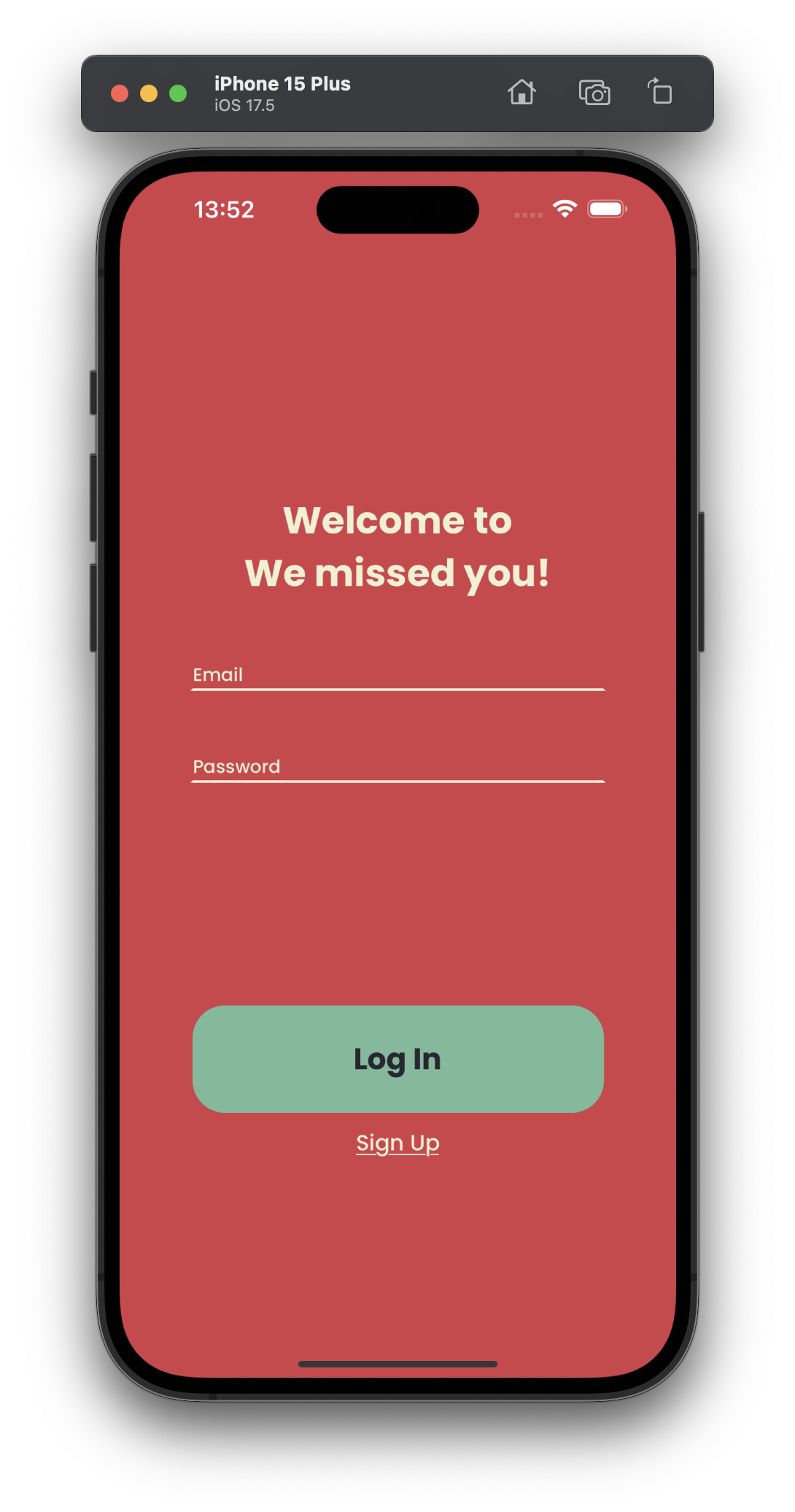
- On the welcome screen, tap the 'Log In' button if it's not already the default screen.
Enter Your Credentials:
- Input your registered email address and password into the fields provided.
- Ensure that the information is correct to avoid login issues.
Complete the Login:
- Tap the 'Log In' button to access your account.
- If your credentials are correct, you will be directed to the main interface of the app where you can start enjoying your daily quotes.
Signing Up
For new users setting up a JustSayin account for the first time:
Open the JustSayin App:
- Open the JustSayin app on your iOS device.
Navigate to the Signup Screen:
- If the login screen appears first, tap the 'Sign Up' button to switch to the signup screen.
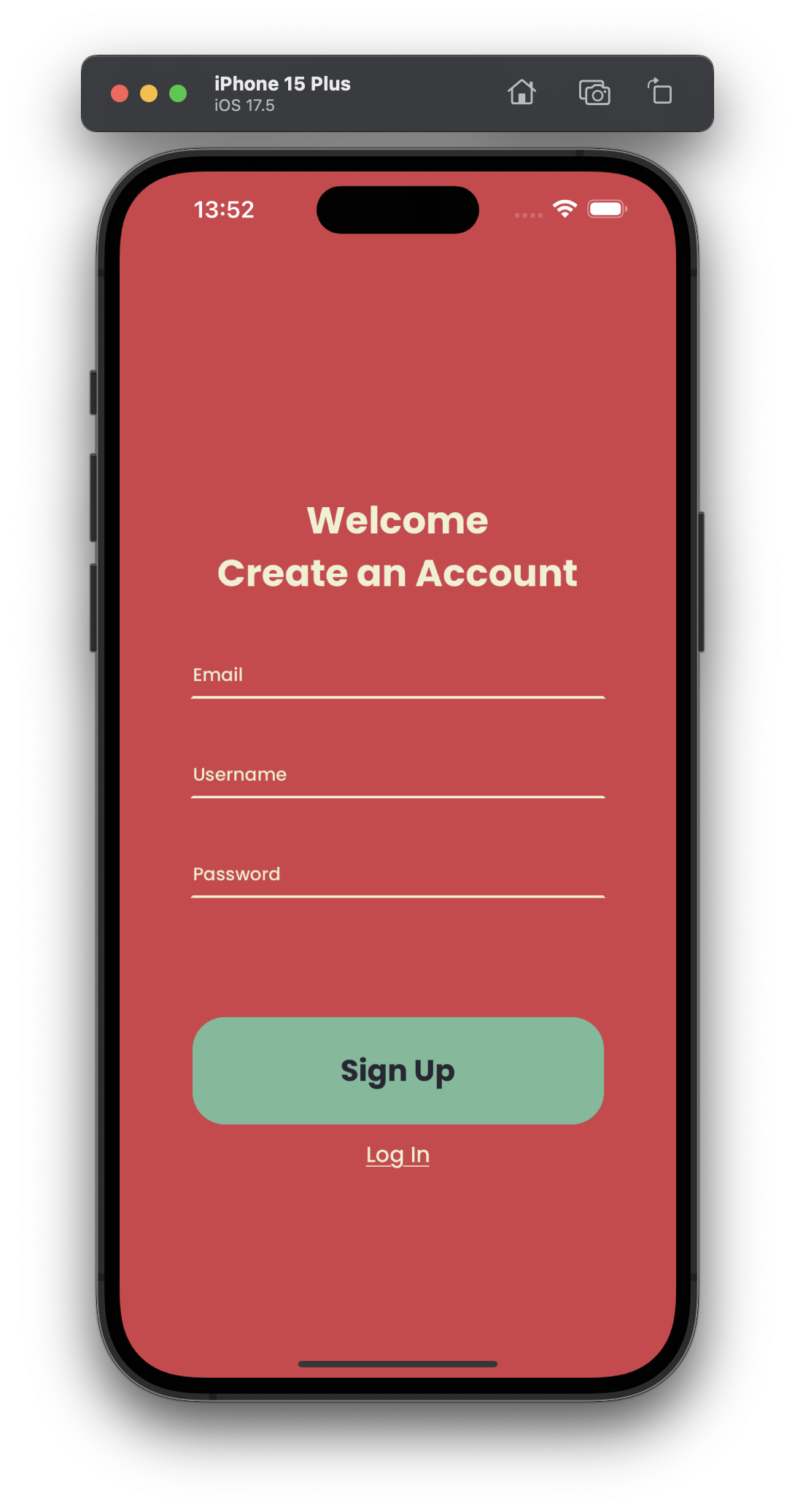
- If the login screen appears first, tap the 'Sign Up' button to switch to the signup screen.
Fill Out the Signup Form:
- Enter your email address in the email field. Make sure it's an email you have access to, as it may be used for verification and password recovery.
- Choose a username for your account. This could be something unique or a nickname you prefer.
- Set a strong password. It's recommended to use a mix of characters, numbers, and symbols for security.
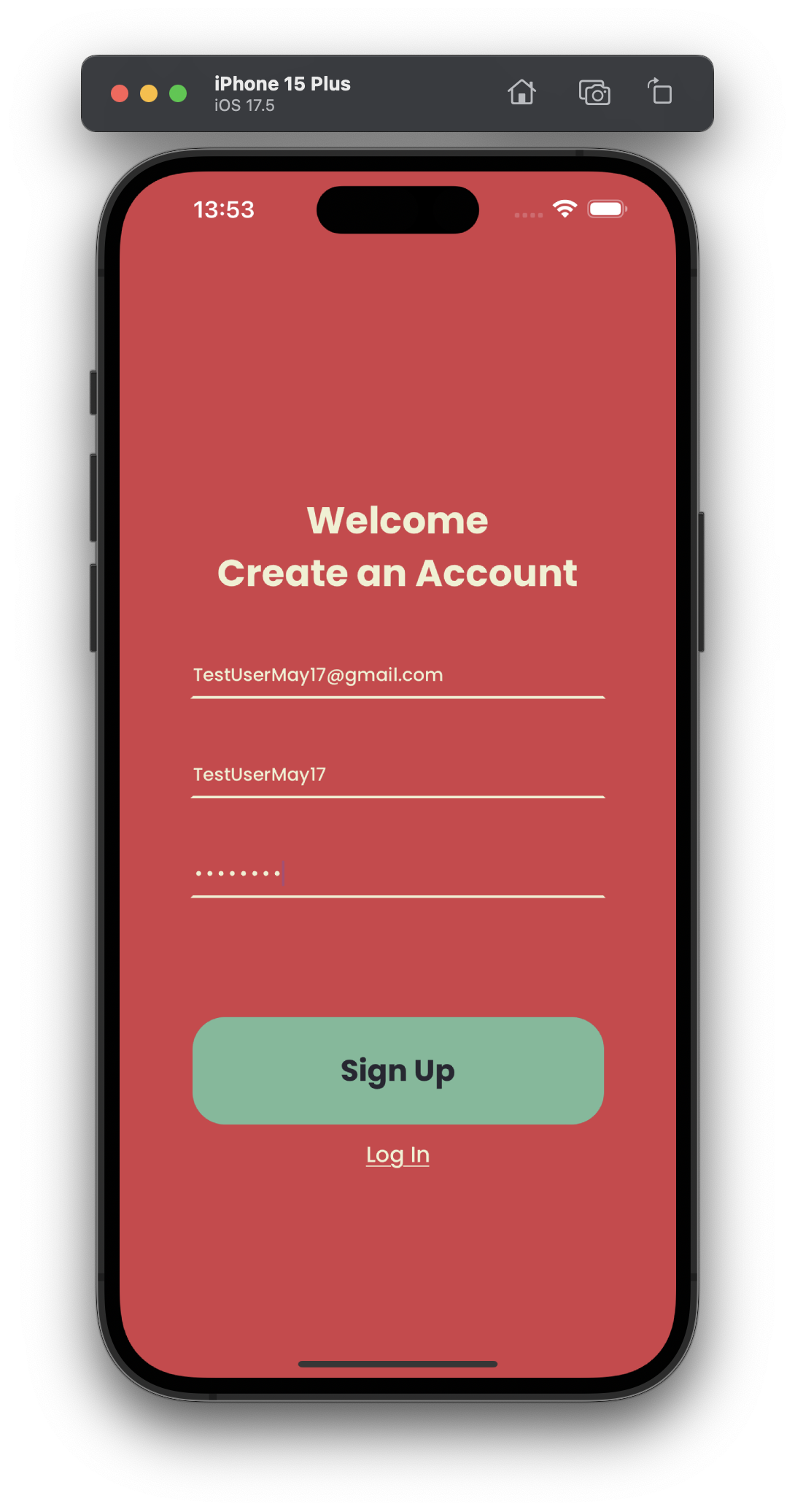
Complete the Signup:
- Tap the 'Sign Up' button to create your account.
- After successful signup, you will be redirect to the "Picking Your Categories" page. Refer to "Picking Your Preferred Categories in JustSayin" if you have any troubles.
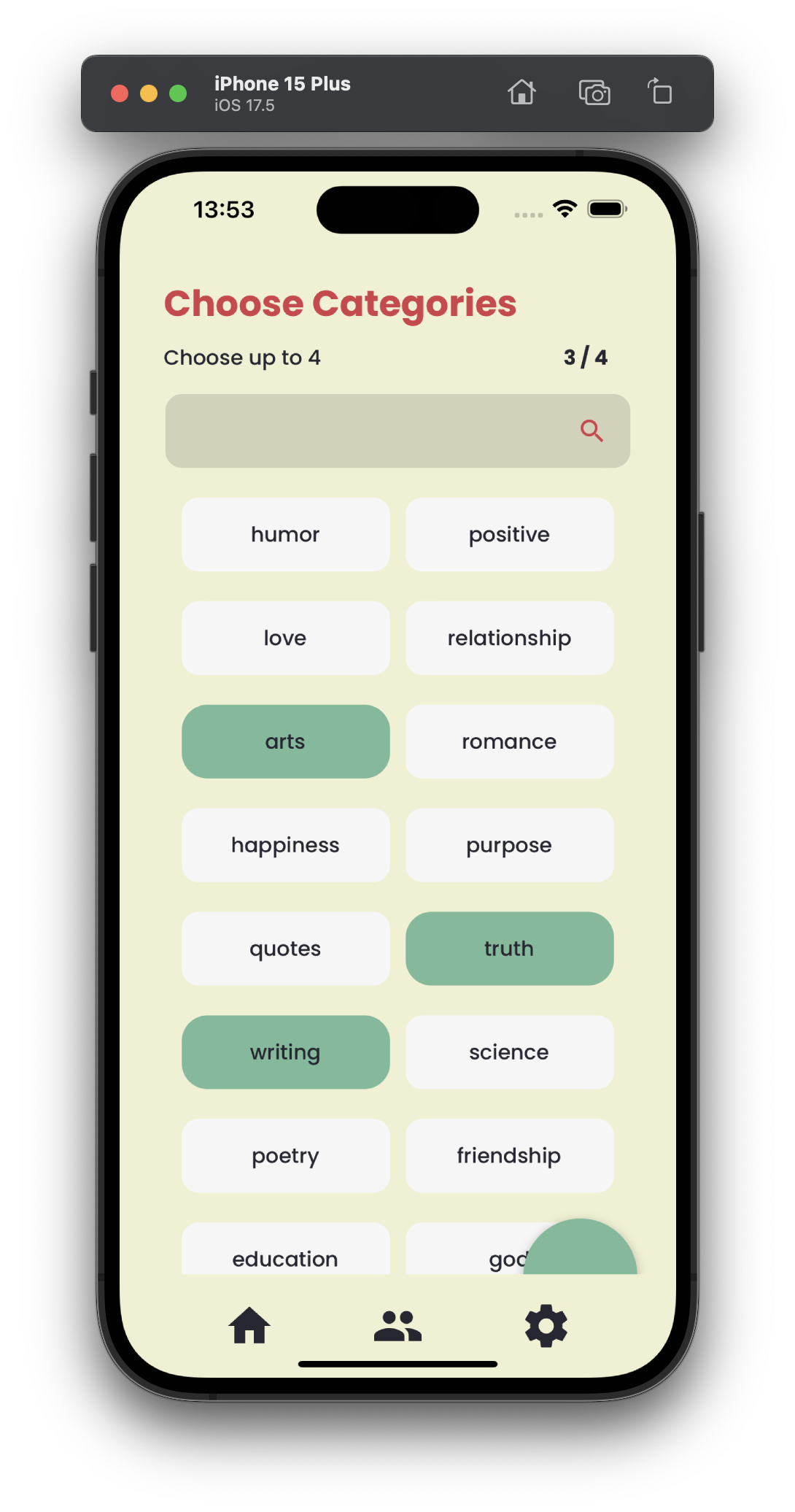
By following these steps, you can easily access JustSayin and start receiving personalized daily quotes, either by logging back into your existing account or by signing up and creating a new one.